
You do not need a room full of RGB lights to play well or make a watchable stream. You need a capable computer, a clear voice, a usable picture, and a connection that stays steady. Beyond that, your setup should solve problems you actually have.
These are two concrete paths: a compact laptop setup that keeps the initial bill down, and a premium desktop built around more demanding gaming and a dedicated display. Both can run a single-PC streaming workflow; neither requires buying a second computer to get started.
Start here: three setup essentials
The best gaming setup isn’t necessarily the flashiest one. It is the setup you can use comfortably, that lets you see what is happening, and that lets you hear the details that matter.
1. Start with the display
A high-refresh-rate monitor can make compatible games feel more fluid, especially when your system can consistently deliver a high frame rate. Resolution, response time, panel quality, and refresh rate all matter—so buy for the games you actually play, not just the biggest number on the box.
2. Hear more clearly
A comfortable headset with accurate sound, a usable microphone, and dependable connectivity helps you communicate and stay immersed. A more expensive headset is not automatically a better one. Fit, sound balance, microphone quality, and latency make the difference.
3. Play without the aches
Whether you prefer an ergonomic office chair or a purpose-built gaming seat, prioritize adjustability and support over looks. Your feet should rest comfortably, your shoulders should relax, and your display should sit at a sensible height.
Two setups at a glance
| Setup | Electronics budget | Who it suits |
|---|---|---|
| Budget gaming | $988.98 | 1080p players who want a screen and keyboard included. |
| Budget gaming + streaming | $1,228.95 | The same laptop with a separate camera, USB mic, and face light. |
| High-end gaming + streaming | $5,678.94–$6,078.94 | A dedicated desktop station with a premium 4K display. |
Budget totals use the listed new laptop, $39.99 mouse, and $49.99 headset. The premium total includes a $1,000–$1,400 monitor planning allowance, not a verified ASUS sale price. Desk and chair are separate below.
01 / Cheap, efficient, and ready to build on
The money-saving move is a gaming laptop. The display and keyboard are already part of the purchase. That leaves more of your budget for useful audio and a mouse, rather than buying an entire desktop station at once.
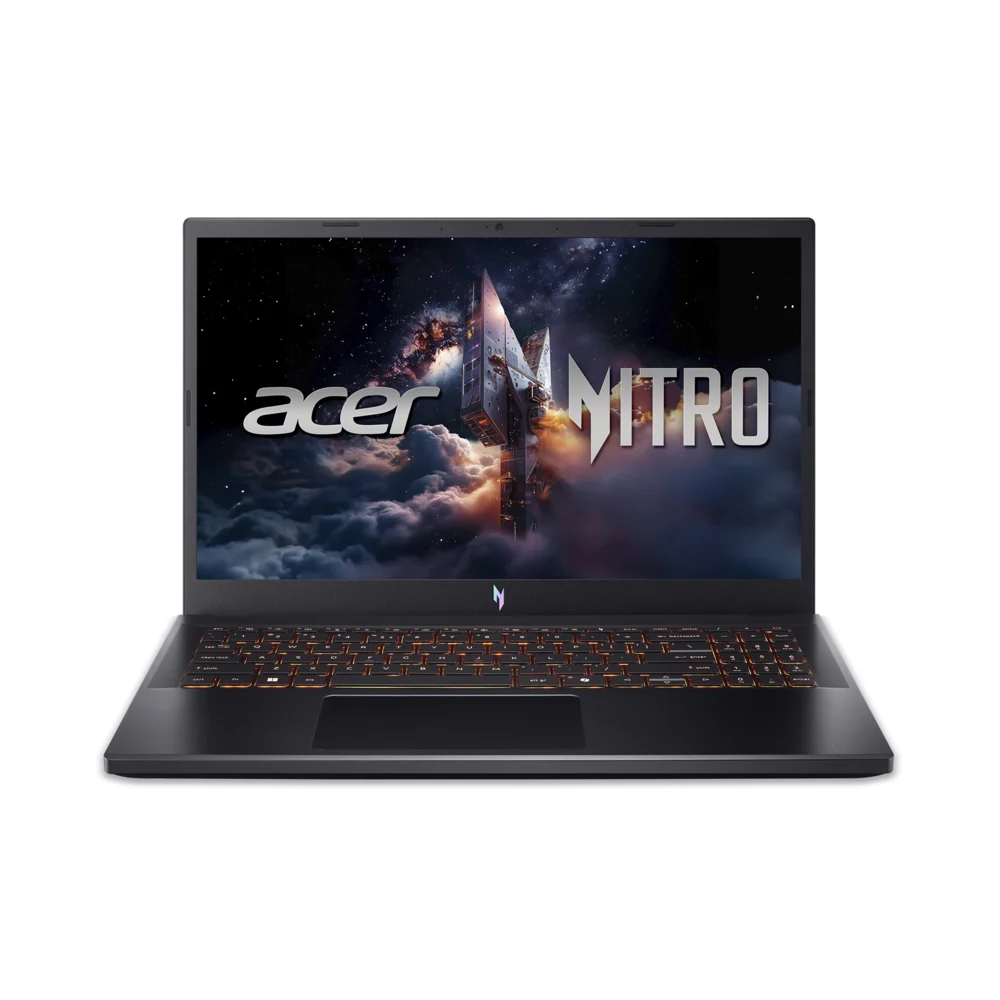
Acer Nitro V 15 — ANV15-52-58P7
The linked configuration has a Core 5 210H, RTX 4050 Laptop GPU with 6 GB VRAM, 16 GB memory, 512 GB SSD, and a 15.6-inch 1080p 165 Hz screen. Match this exact model; other Nitro V listings have different parts. Choose the new item and verify the seller at checkout.
View equipment ↗Product photo: Acer / Walmart. Configuration and color may vary.Our suggested target: 1080p gaming with sensible graphics settings, plus a modest streaming workload. An RTX 4050 laptop is not equivalent to a desktop GPU with a similar name. Demanding games, ray tracing, recording, and heavy browser scenes compete for resources, so reduce game settings or stream resolution when needed. The display’s 165 Hz rating is not a promise of 165 frames per second.
| Core item | Listed price | Why it earns a place |
|---|---|---|
| Acer Nitro V 15, exact model above ↗ | $899.00 | Includes the main computer, display, and keyboard. |
| Logitech G203 wired mouse ↗ | $39.99 | A straightforward wired gaming mouse; no wireless charging routine. |
| HyperX Cloud Stinger 2, wired PC model ↗ | $49.99 | Headphones plus a swivel-to-mute microphone for games and first streams. |
| Core gaming total | $988.98 | Before taxes and any delivery or extra cabling. |
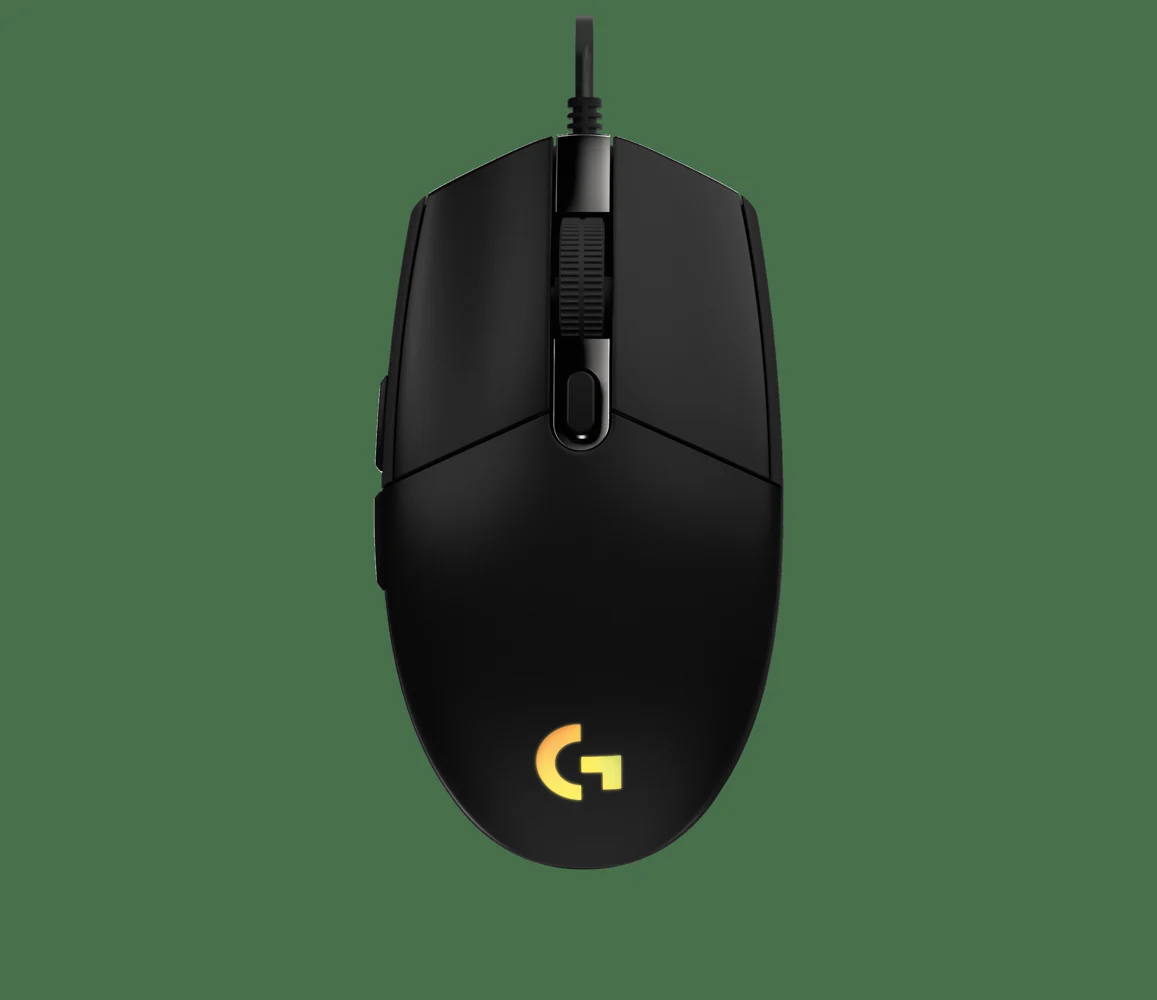
Logitech G203
Start with a dependable wired input device. Choose a comfortable grip and a sensitivity you can control; RGB is secondary.
View equipment ↗Product photo: Logitech G. Configuration and color may vary.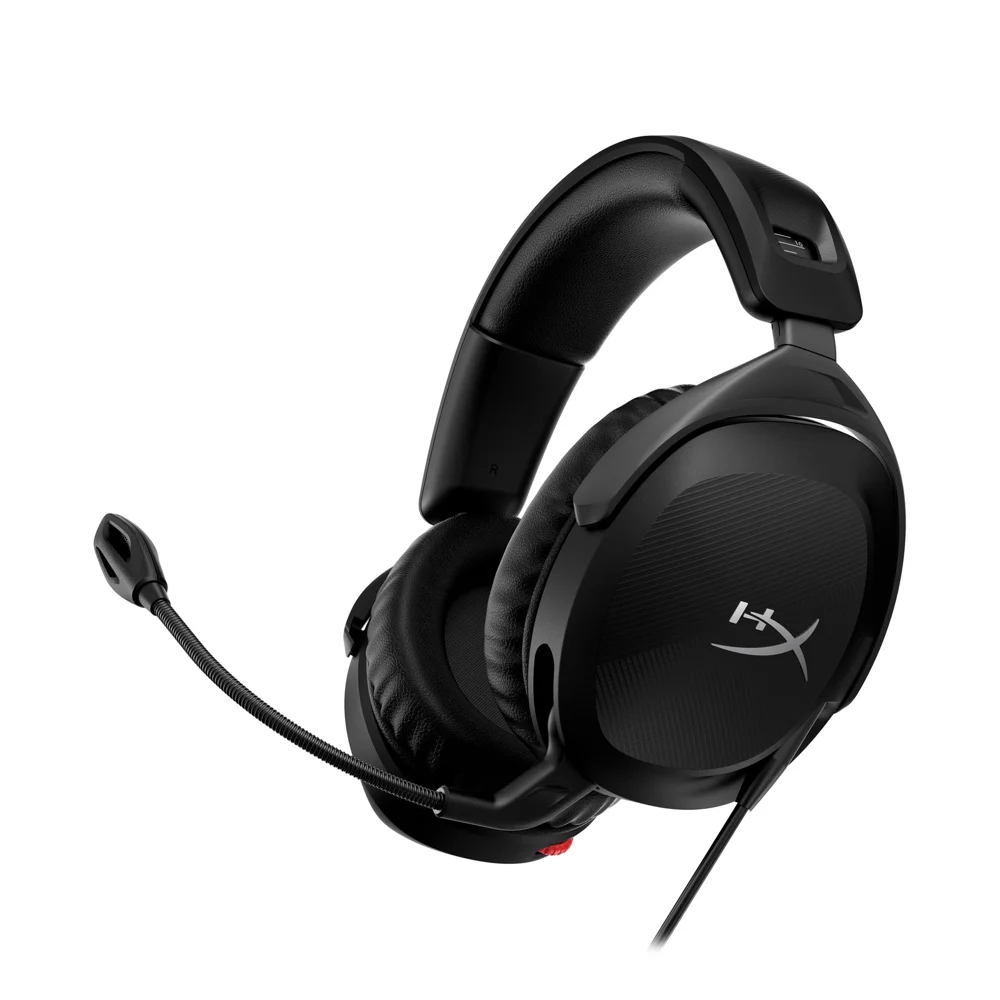
HyperX Cloud Stinger 2
The wired PC version covers game audio and voice chat. Keep the headset mic as a backup if you later add a USB microphone.
View equipment ↗Product photo: HyperX. Configuration and color may vary.Where the compromises are: 512 GB fills quickly, laptop fans can reach the microphone, and the built-in screen is small for reading chat while playing. Reuse a spare display later. Do not buy an external keyboard, luxury headset, or a second PC before you know which limitation is slowing you down.
02 / Add a clear voice, facecam, and light
The budget streaming package adds these three devices to the laptop, mouse, and headset. The premium setup uses the same creator tools: spending more on the computer does not require making every accessory expensive.
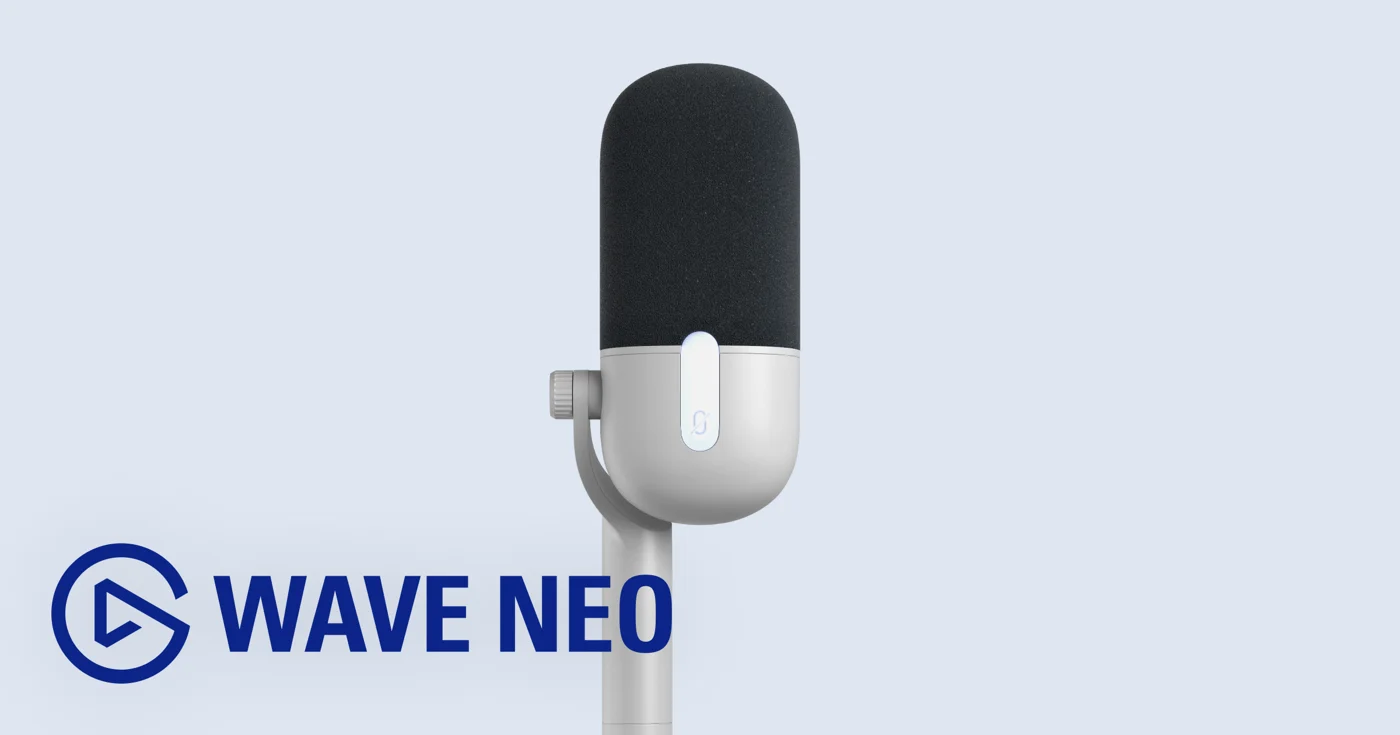
Elgato Wave Neo
A USB microphone with a desktop stand and pop filter. It avoids the extra cost and connections of an XLR interface. Select this mic in OBS and disable the headset mic to avoid doubled audio.
View equipment ↗Product photo: Elgato. Configuration and color may vary.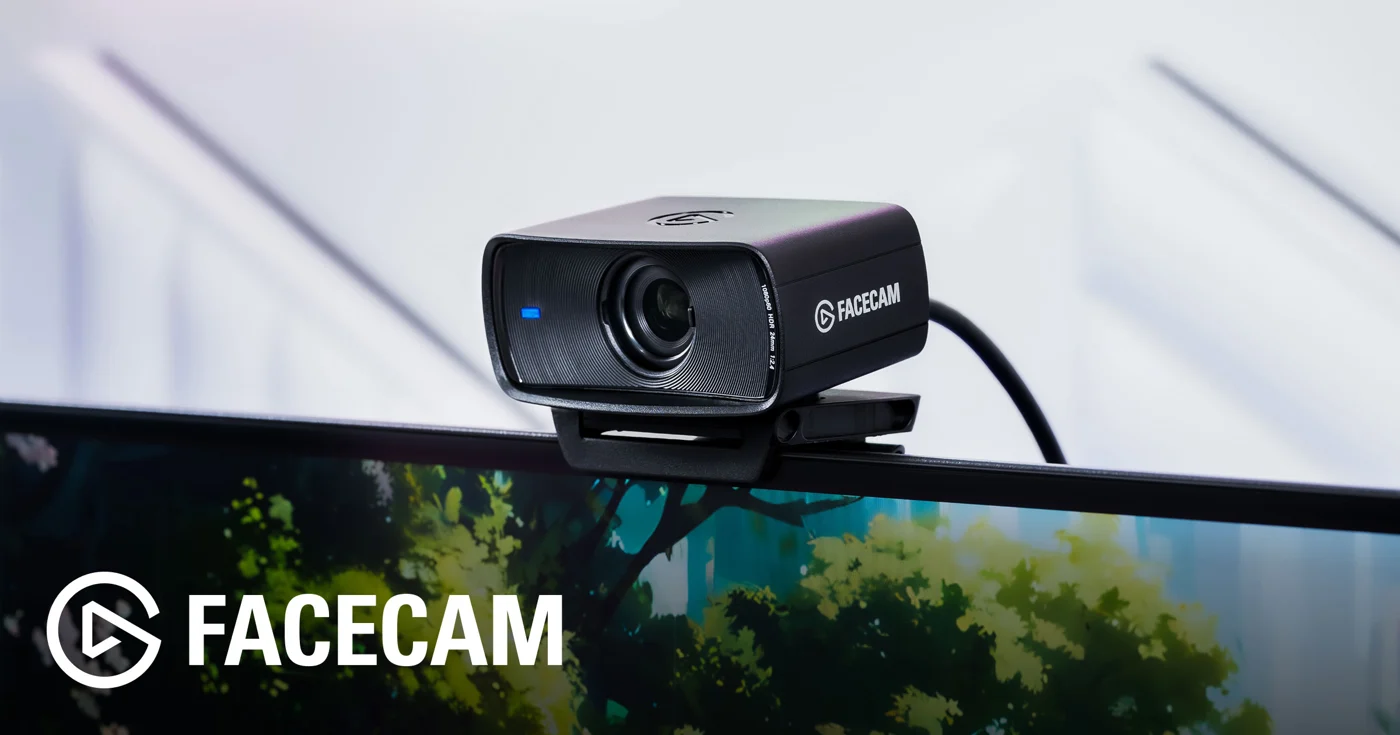
Elgato Facecam MK.2
A dedicated 1080p60 webcam for a more controlled facecam workflow. HDR tops out at 1080p30. It has no microphone, so pair it with the Wave Neo or your headset mic.
View equipment ↗Product photo: Elgato. Configuration and color may vary.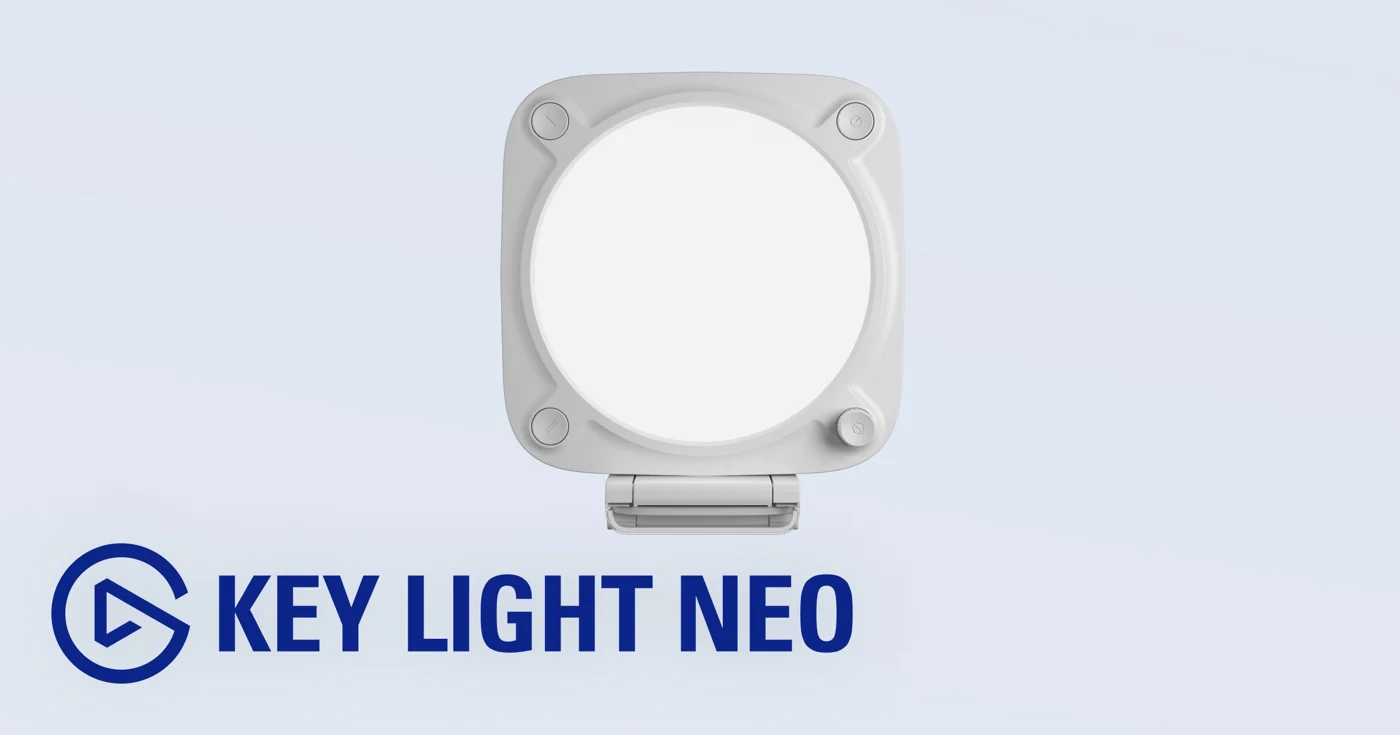
Elgato Key Light Neo
Put a soft face light slightly above eye level and off to one side. Improve the light on your face before spending on an interchangeable-lens camera. Check the power and mounting requirements for your monitor or desk.
View equipment ↗Product photo: Elgato. Configuration and color may vary.Streaming add-on total: $239.97. Combined with the core budget kit, that is $1,228.95 before tax. You can start with headset audio and no facecam, then add these pieces when your format needs them.
03 / The high-end gaming and streaming station
This is the dedicated desk option: more graphics headroom, a premium display, and separate controls. It is a luxury tier. Choose it because you want the gaming experience and will use the hardware—not because expensive equipment guarantees an audience.
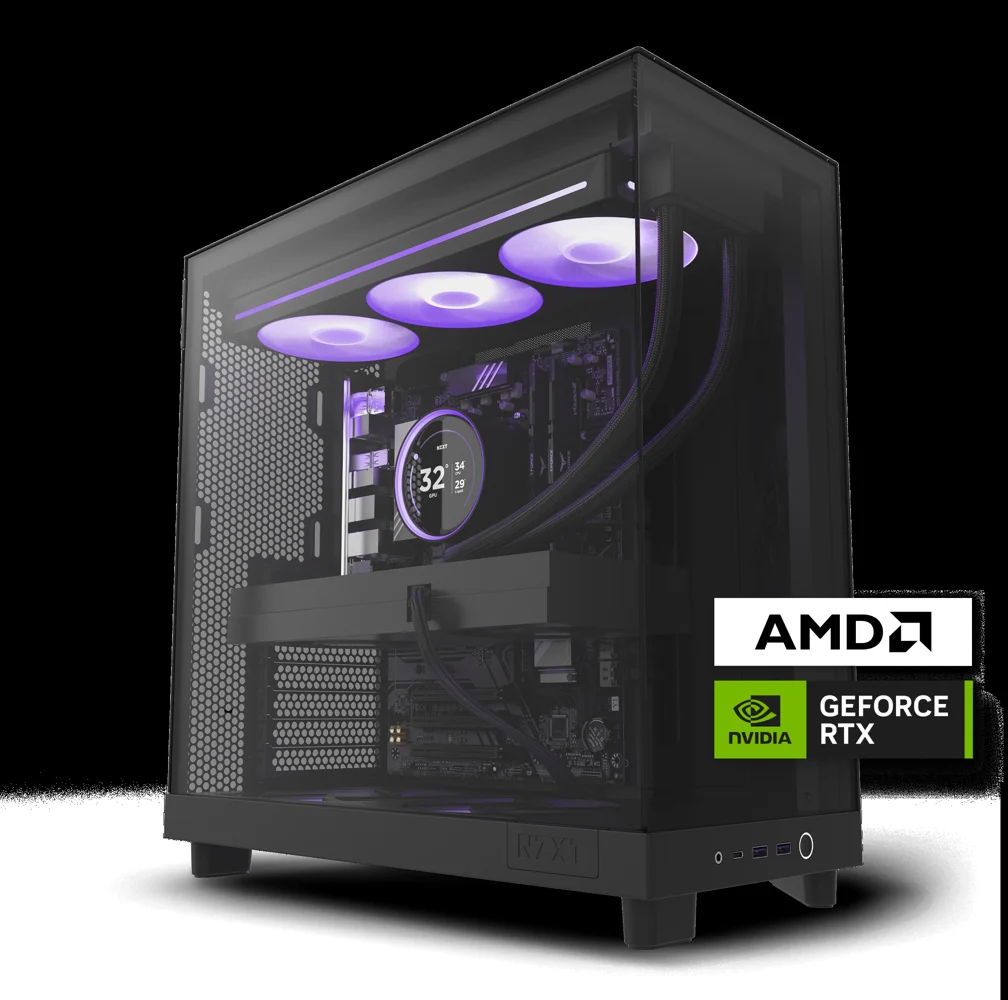
NZXT Player Three — RTX 5080 configuration
The checked configuration lists a Ryzen 7 9800X3D, RTX 5080 16 GB, 32 GB DDR5, and 4 TB SSD. Follow the Buy / Own option for this purchase price; NZXT Flex is a separate subscription. The manufacturer says component appearance can vary.
View equipment ↗Product photo: NZXT. Configuration and color may vary.The 32 GB memory and larger SSD leave more room for game libraries, browser sources, clips, and editing. We would still test recording and streaming with the actual games you play. Even this class of system cannot guarantee maximum settings, 4K, ray tracing, and 240 fps simultaneously.
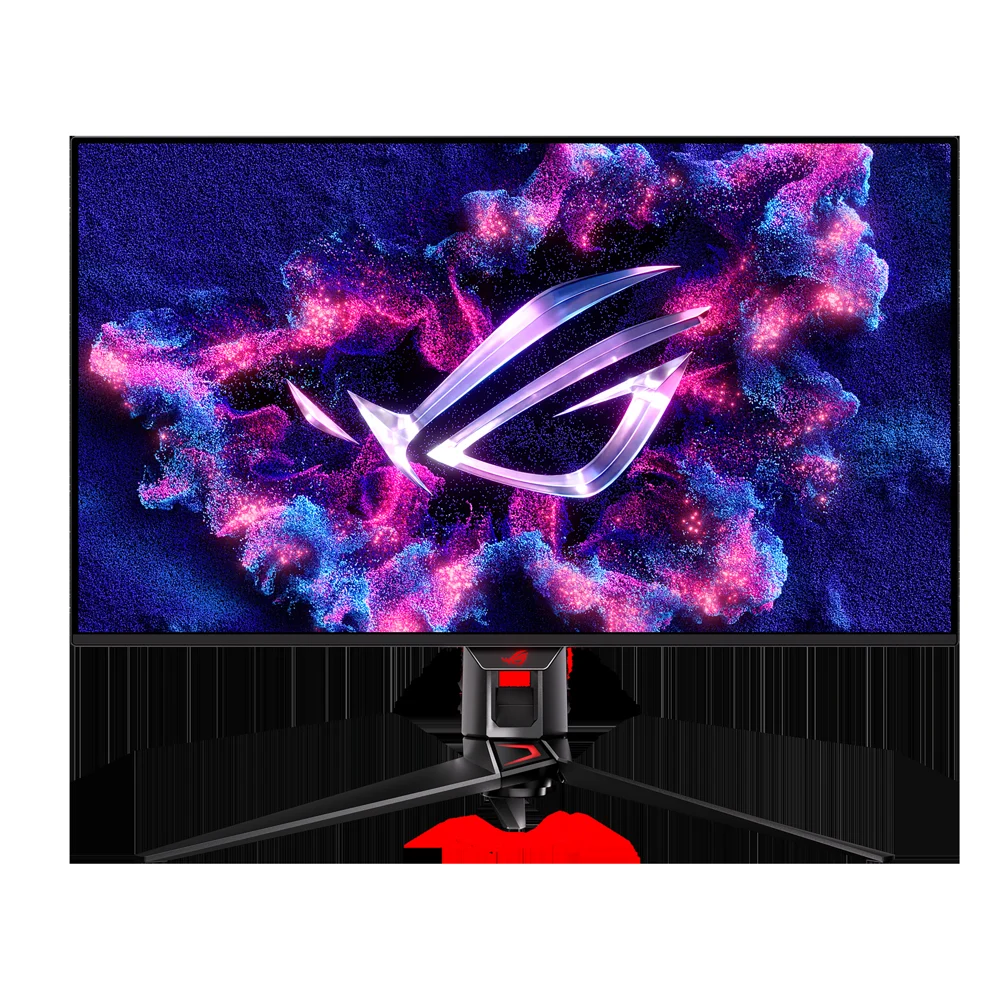
ASUS ROG Swift OLED PG32UCDM
A 32-inch-class 4K 240 Hz QD-OLED display. The budget range is an editorial allowance because a current US checkout price was not confirmed. Confirm the original PG32UCDM model rather than assuming newer Gen3 pricing. Use the panel-care features and review the warranty.
View equipment ↗Product photo: ASUS ROG. Configuration and color may vary.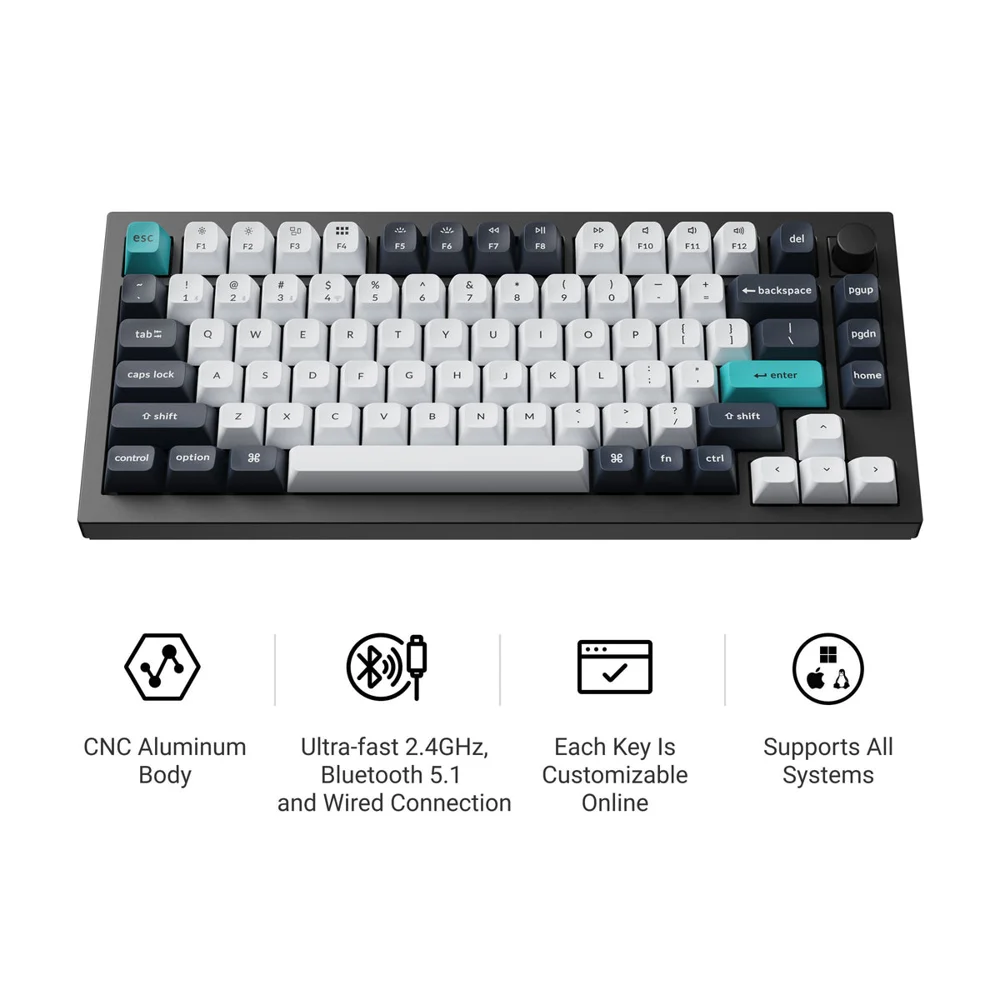
Keychron Q1 Max — fully assembled
A premium 75% mechanical keyboard with wired and 2.4 GHz options. Buy fully assembled; the barebone version lacks switches and keycaps. The checked Carbon Black / Jupiter Red option showed backorder messaging, so confirm the variant and shipping date.
View equipment ↗Product photo: Keychron. Configuration and color may vary.| Premium equipment | Price / allowance |
|---|---|
| NZXT Player Three ↗ | $3,999.00 |
| ASUS PG32UCDM ↗ | $1,000–$1,400 allowance |
| Keychron Q1 Max, fully assembled ↗ | $229.99 |
| Logitech G PRO X SUPERLIGHT 2 ↗ | $159.99 |
| HyperX Cloud Stinger 2 ↗ | $49.99 |
| Elgato Wave Neo ↗ | $49.99 |
| Elgato Facecam MK.2 ↗ | $119.99 |
| Elgato Key Light Neo ↗ | $69.99 |
| Premium electronics total | $5,678.94–$6,078.94 |
The SUPERLIGHT 2 is the premium wireless mouse choice; the cheaper G203 remains a sensible substitute. We kept a value headset and USB microphone in the premium list on purpose. Upgrade the audio only after a recording test reveals a problem worth solving.
04 / The room is part of the setup
Reuse a stable desk and comfortable chair if you already have them. For a new station, the IKEA UTESPELARE desk ↗ was listed at $279.99, and the IKEA FLINTAN chair, without armrests ↗ at $99.99. Together they add $379.98, excluding delivery and tax. Check local availability and chair fit before ordering.
That puts the budget streaming setup with these two furniture choices at $1,608.93. The premium version with the same furniture comes to $6,058.92–$6,458.92. Allow extra for a suitably long Ethernet cable, a mouse pad, cable organization, and any adapters your exact connections require.
05 / Make it stream well before buying more
- Install OBS Studio from the official site. Start with its Auto-Configuration Wizard, then make a short local test recording.
- Keep the first scene simple. One game source, one microphone, optional facecam, and a small number of overlays. Add complexity after checking system load.
- Choose streaming settings for your platform and connection. Hardware encoding can free CPU resources. Begin conservatively, then test a higher resolution or frame rate. Read your platform’s current bitrate guidance instead of copying somebody else’s preset.
- Use headphones and check the mix. Voice should remain easy to follow over gameplay. Listen to the test with ordinary earbuds; fix clipping, duplicate audio sources, and keyboard noise.
- Test the network under real conditions. Wired Ethernet is worth trying before blaming the PC. A fast download speed does not establish a stable upload connection.
What can wait?
A capture card is not needed merely to capture a PC game running on that same computer. It becomes relevant when bringing in video from a console, camera, or second PC. A second monitor helps with chat, but it can be a reused screen. A control pad, camera upgrade, decorative lighting, and a second streaming computer should follow a clear need.
The FGO take
Start with the budget system if the goal is to play, learn OBS, and build a consistent streaming habit. Choose the premium station if you have the budget and want its display quality, storage, and graphics headroom. In either case, prioritize a clear voice, readable visuals, and reliable sessions. That is what makes equipment useful.